Ai workflow
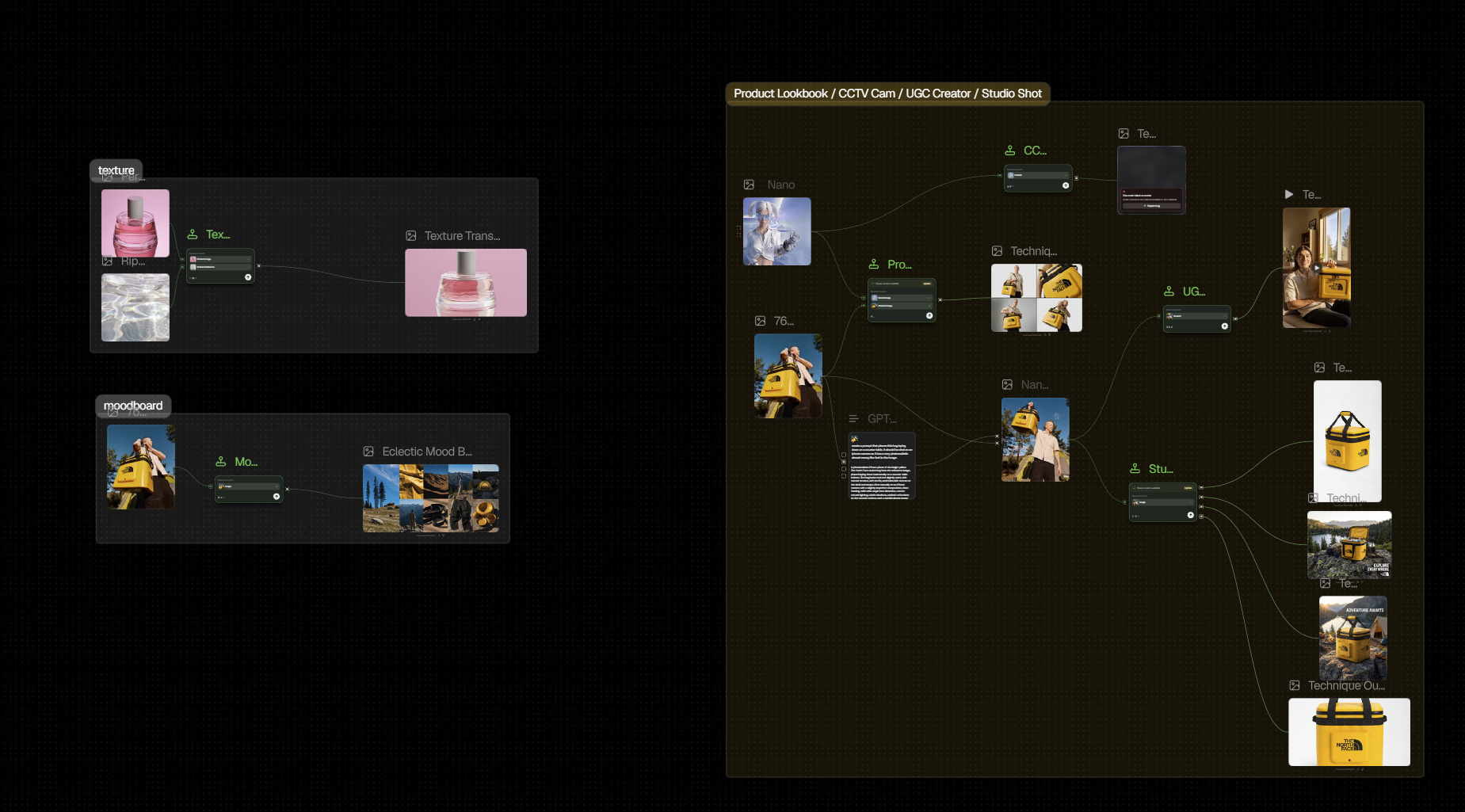
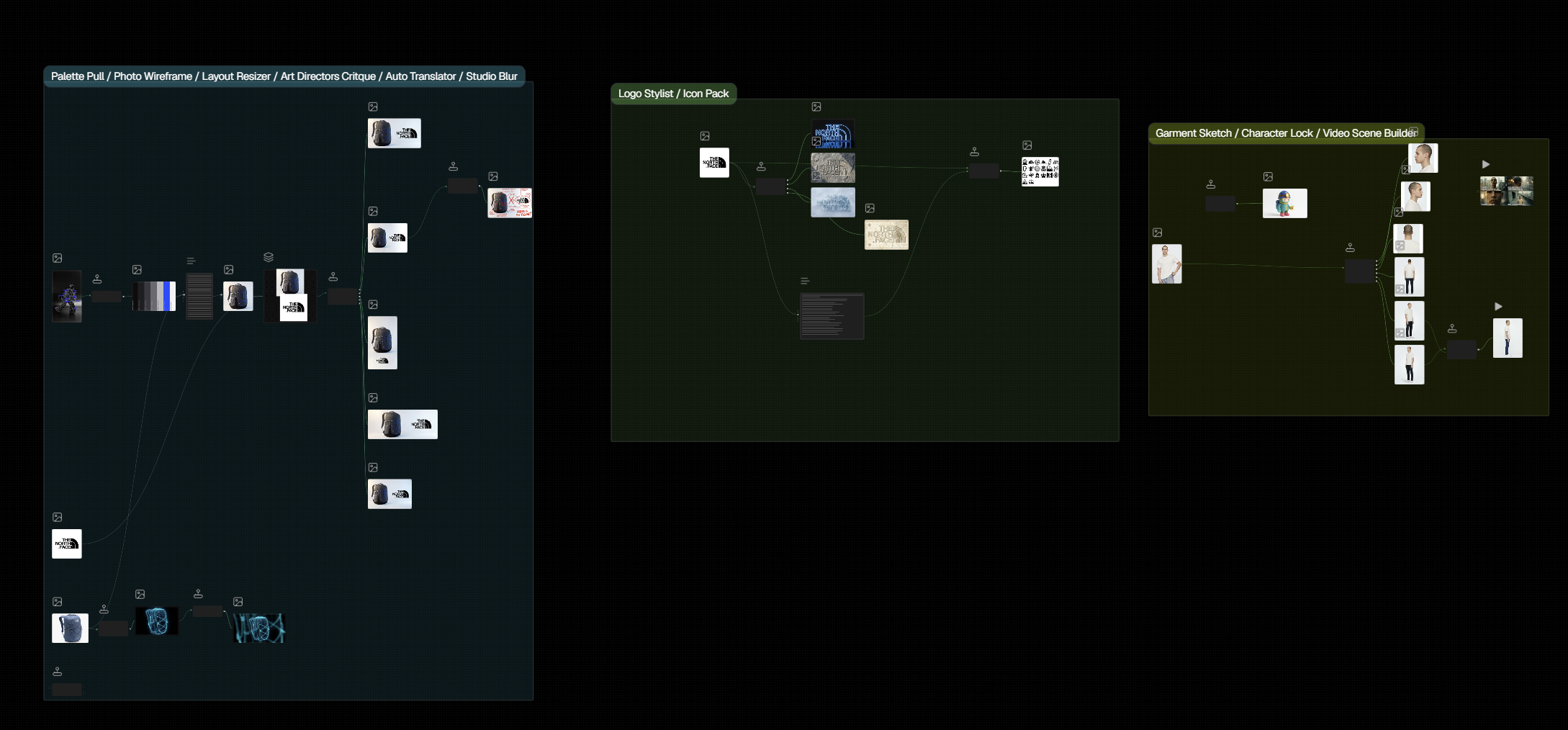
I explore how AI can support different stages of the design workflow—from generating mockups and textures to developing product looks and visual directions.
Rather than focusing on individual tools, I break each process into inputs, iterations, time, and final outputs to understand where AI creates real value within a 2D and 3D design workflow.
Ai mock up
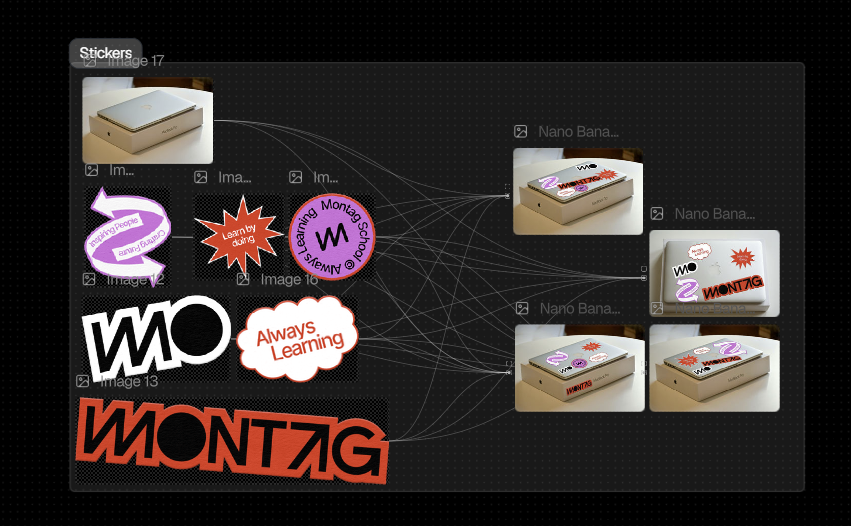
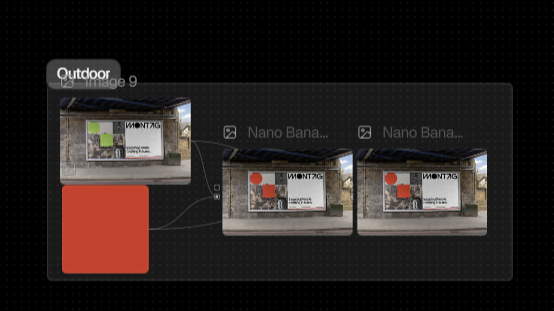
From a branding perspective, there are many situations where we need mockups — for example, placing a sticker on a laptop or putting a poster onto a physical object. AI can be really helpful with this because we can quickly visualize these applications without having to purchase specific mockups.
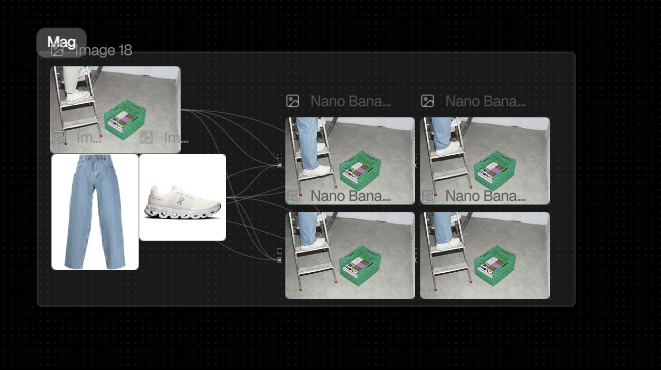
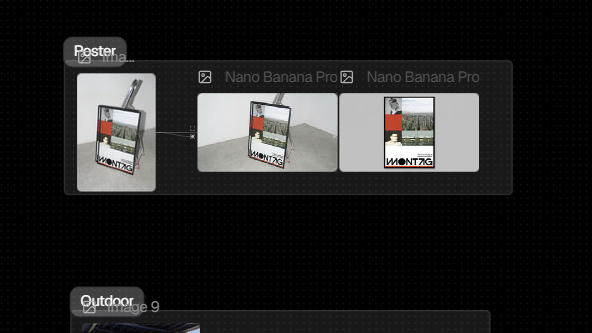
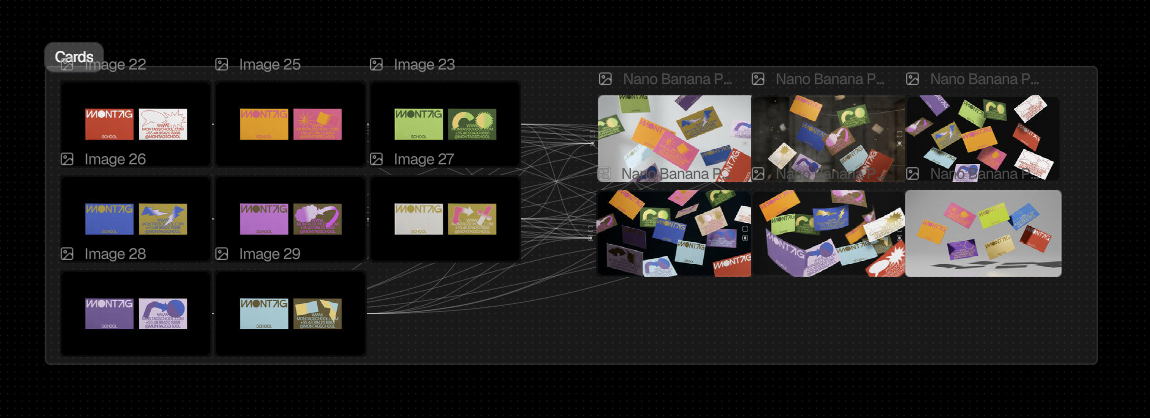
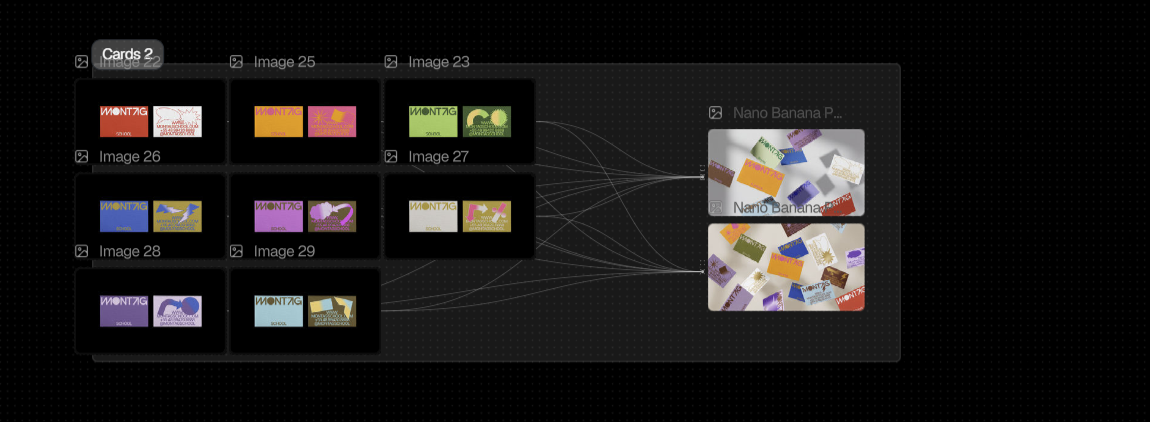
From a branding perspective, there are many situations where we need mockups — for example, placing a sticker on a laptop or putting a poster onto a physical object. AI can be really helpful with this because we can quickly visualize these applications without having to purchase specific mockups.
texture replacement, product visualization, moodboard generation, logo and shape exploration, model and character variations, and mockup generation.
Ai Capabilities
Ai bias
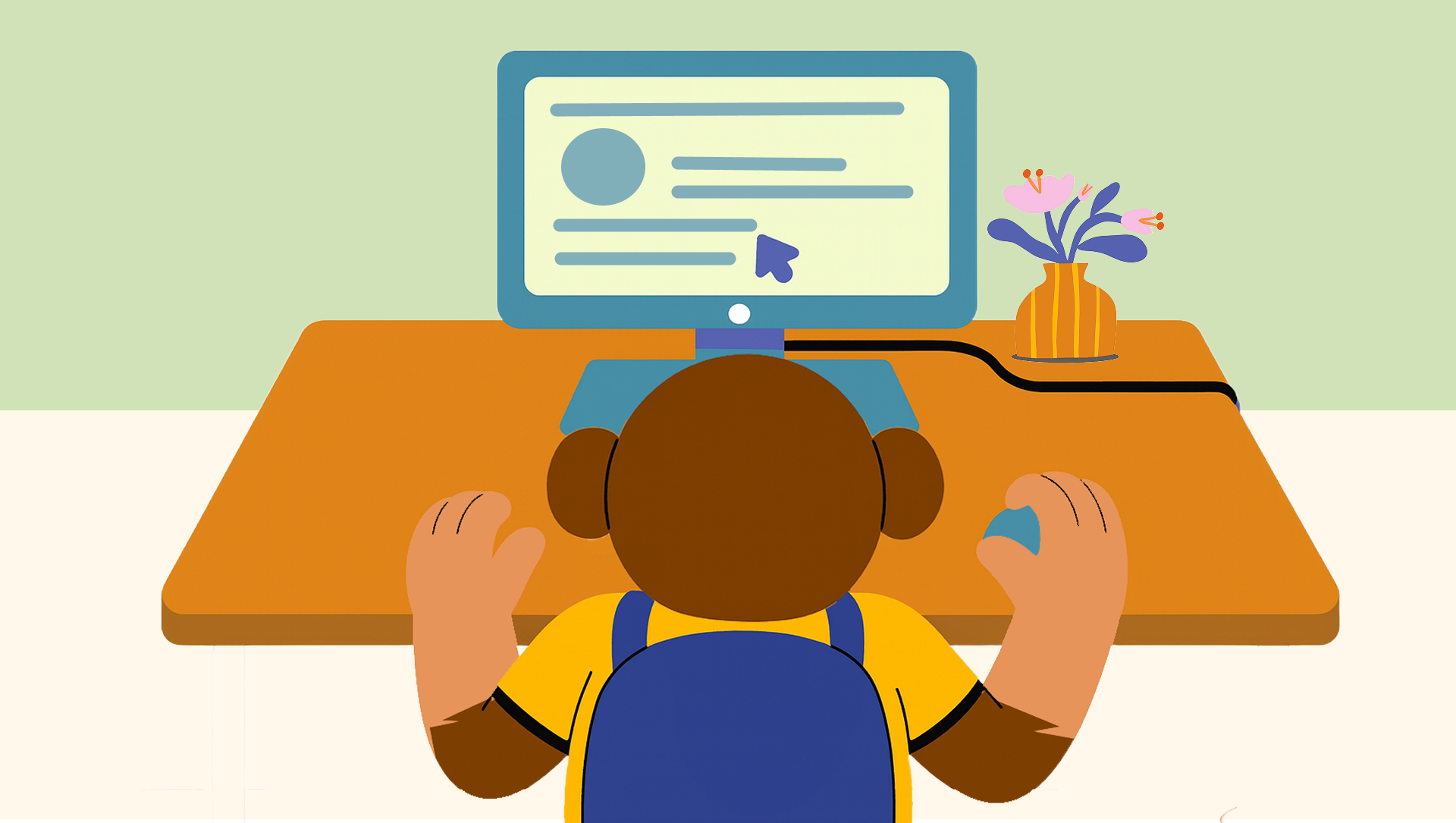
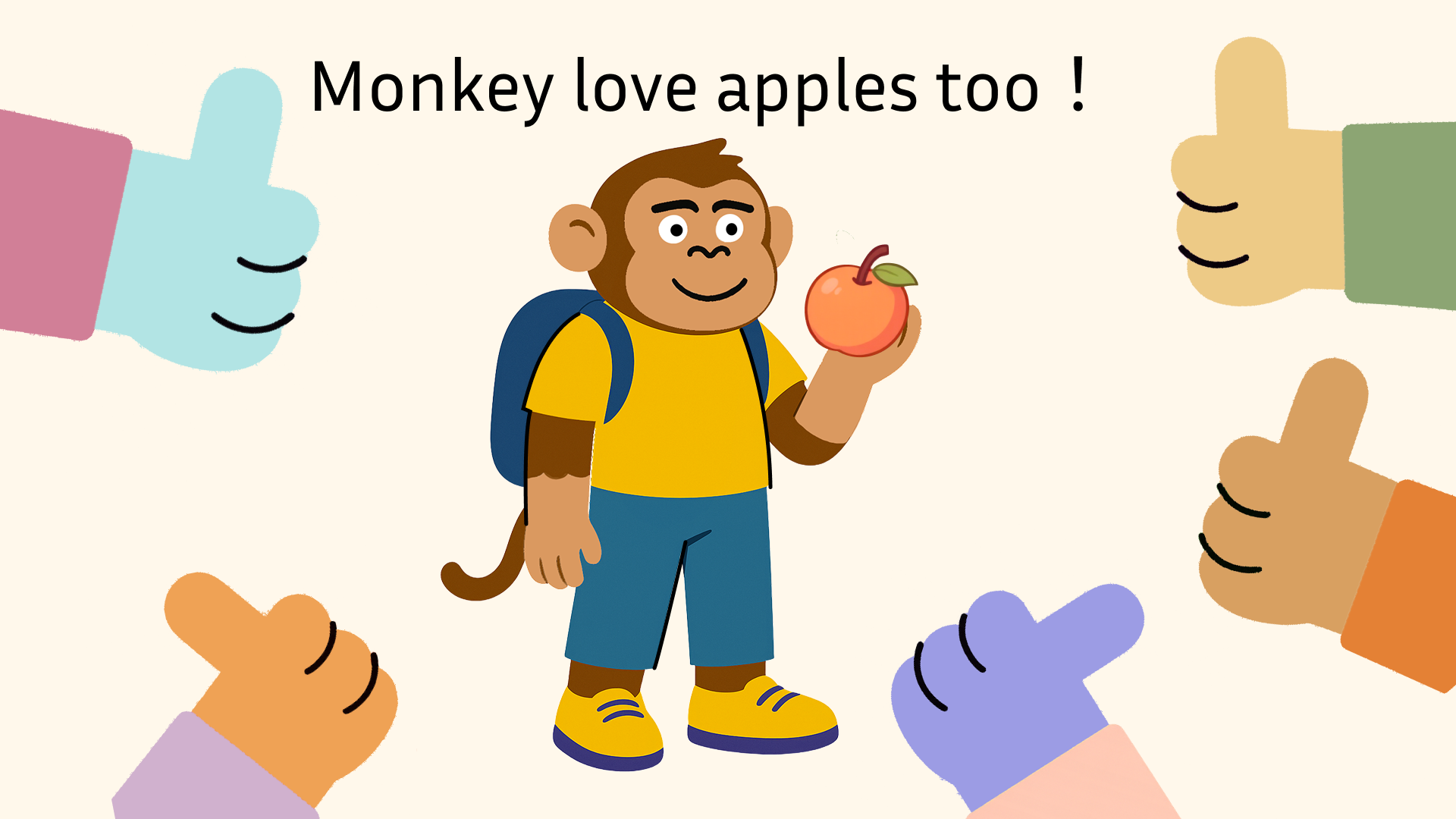
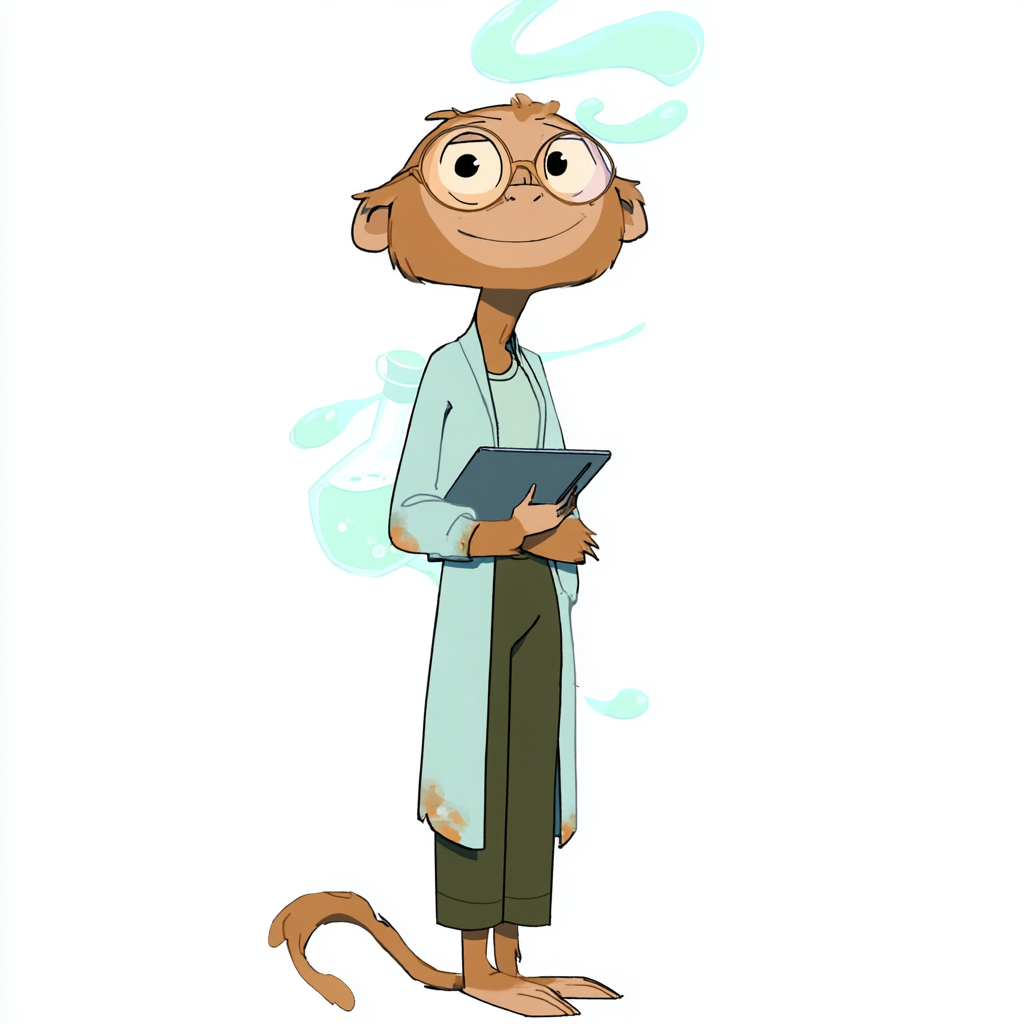
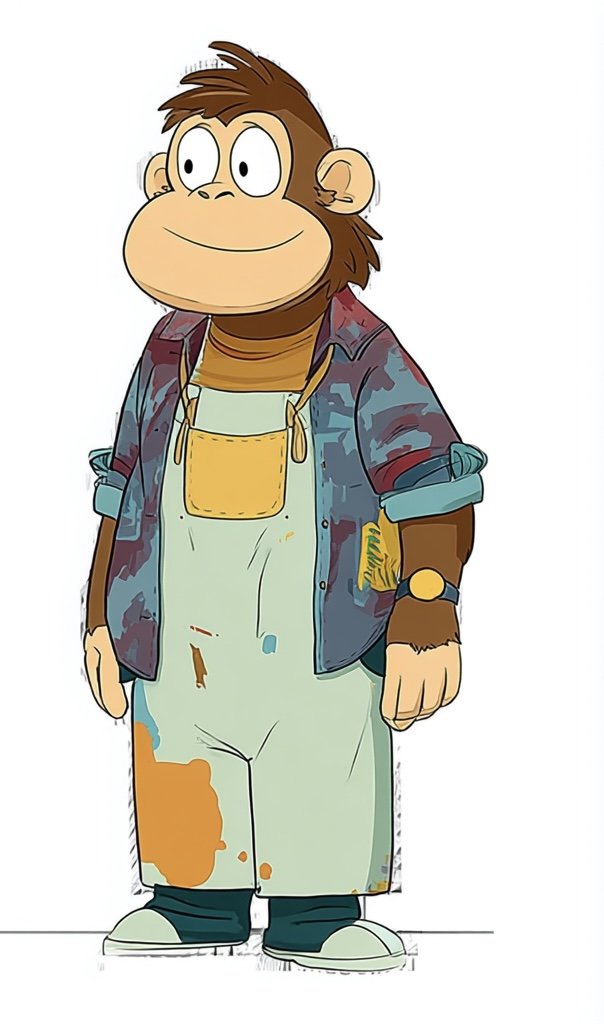
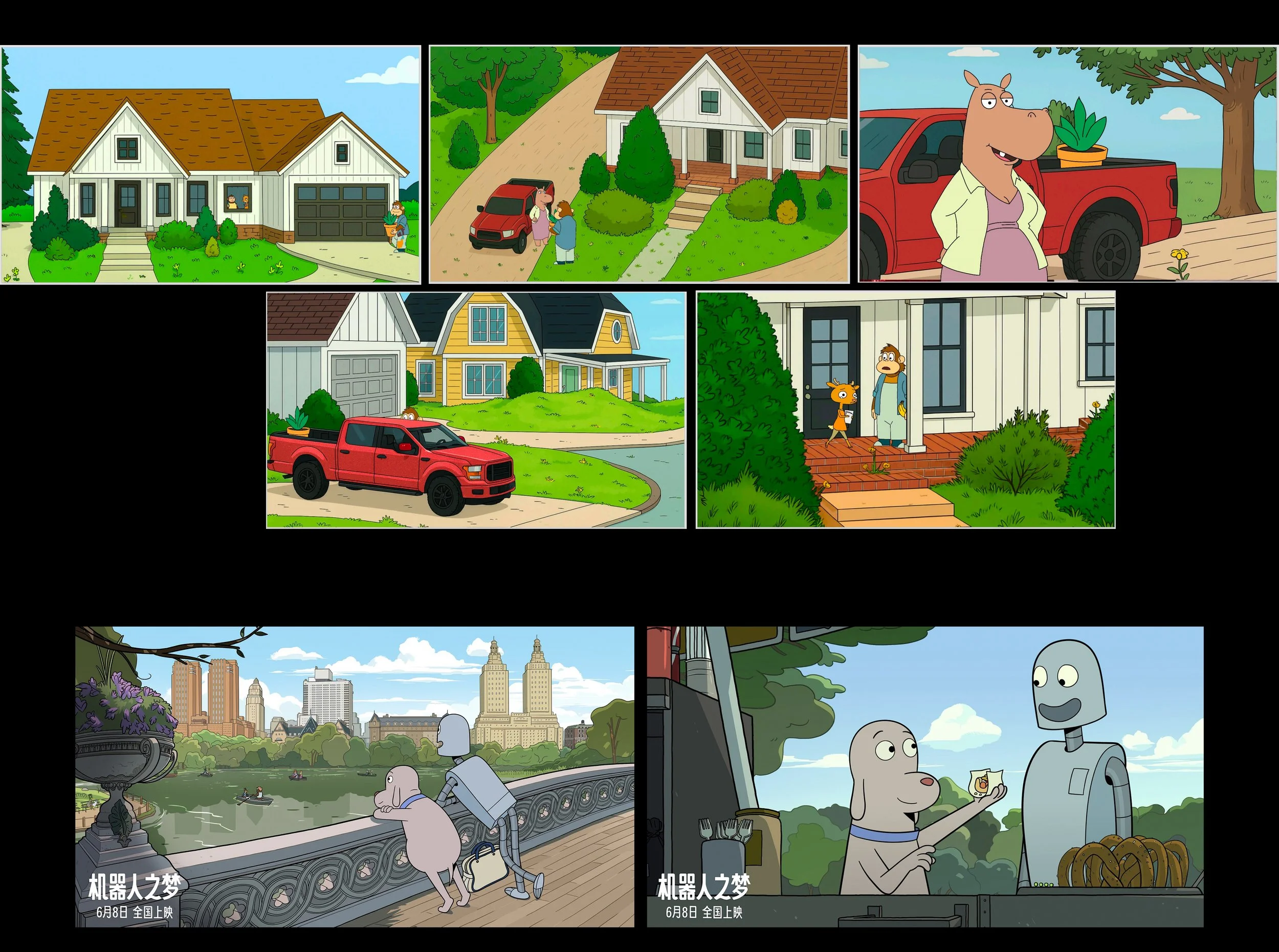
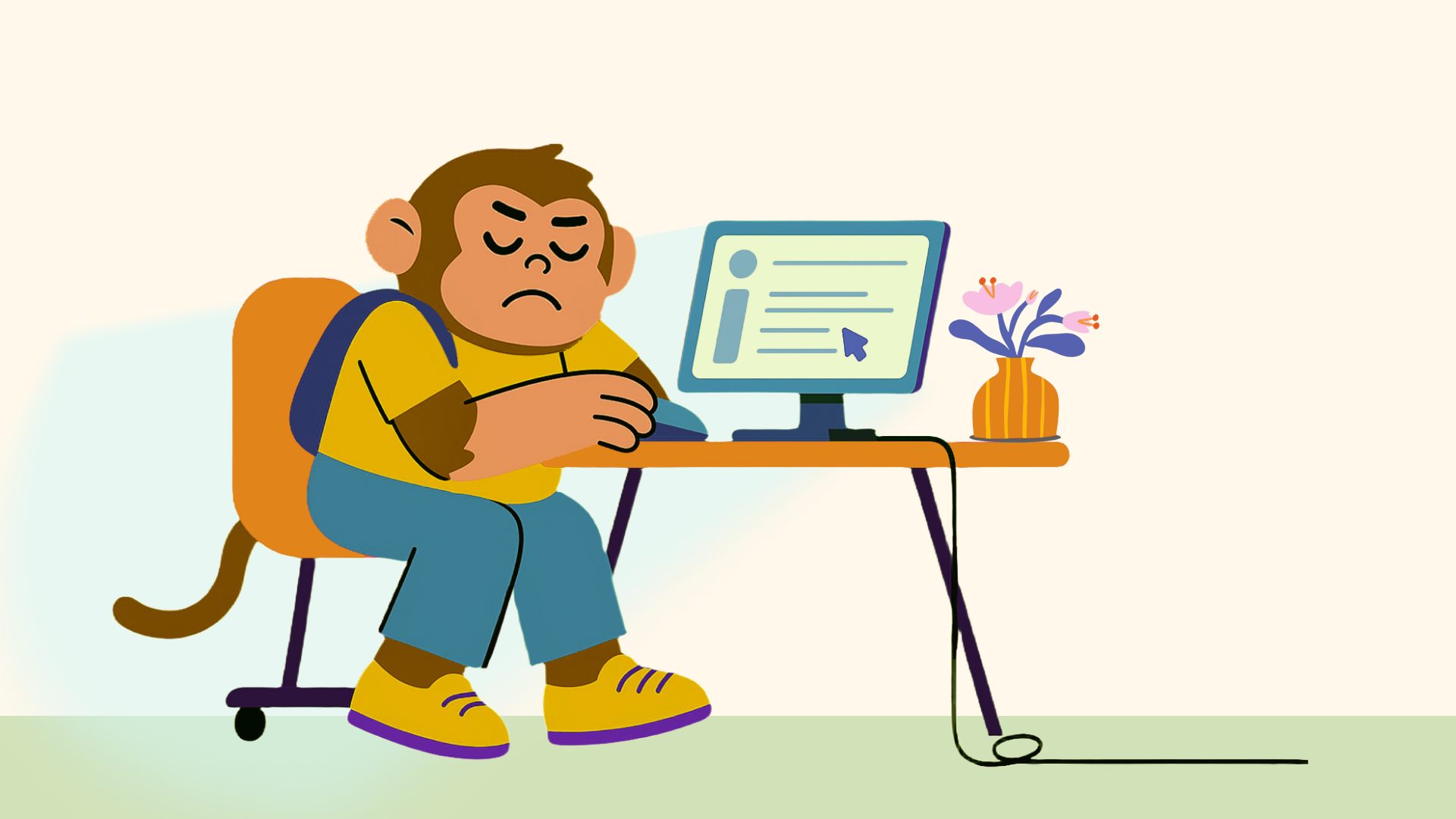
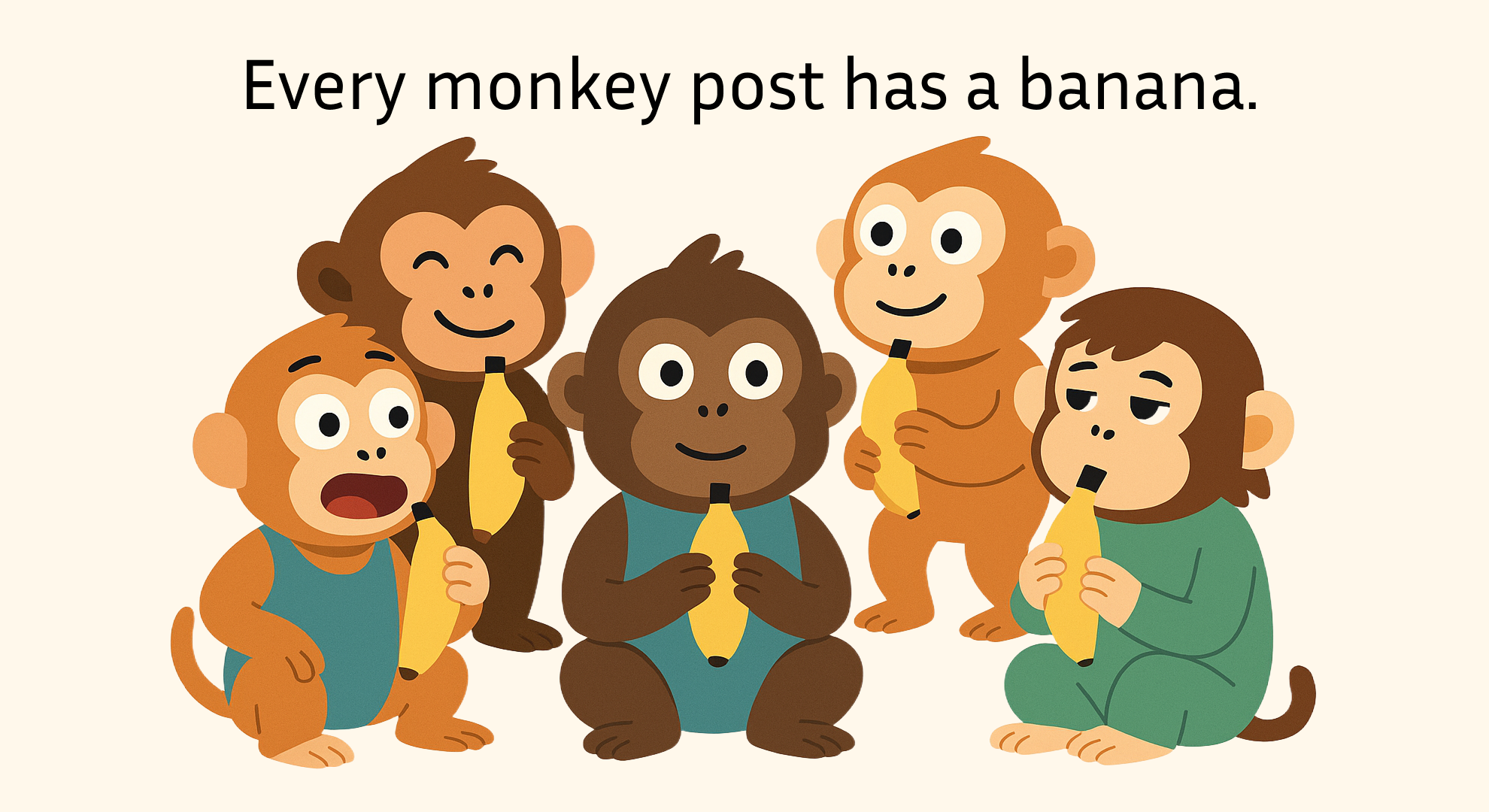
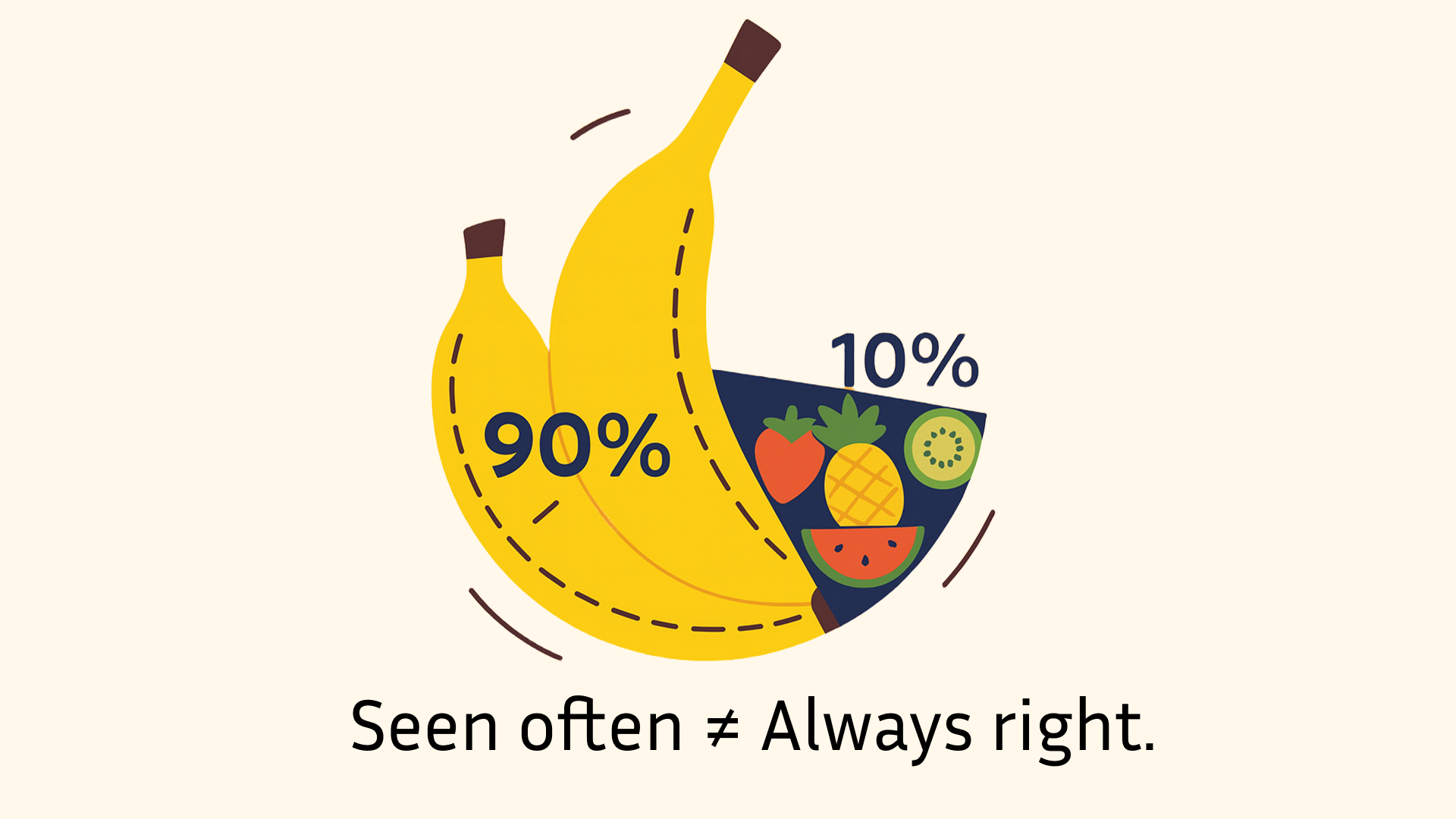
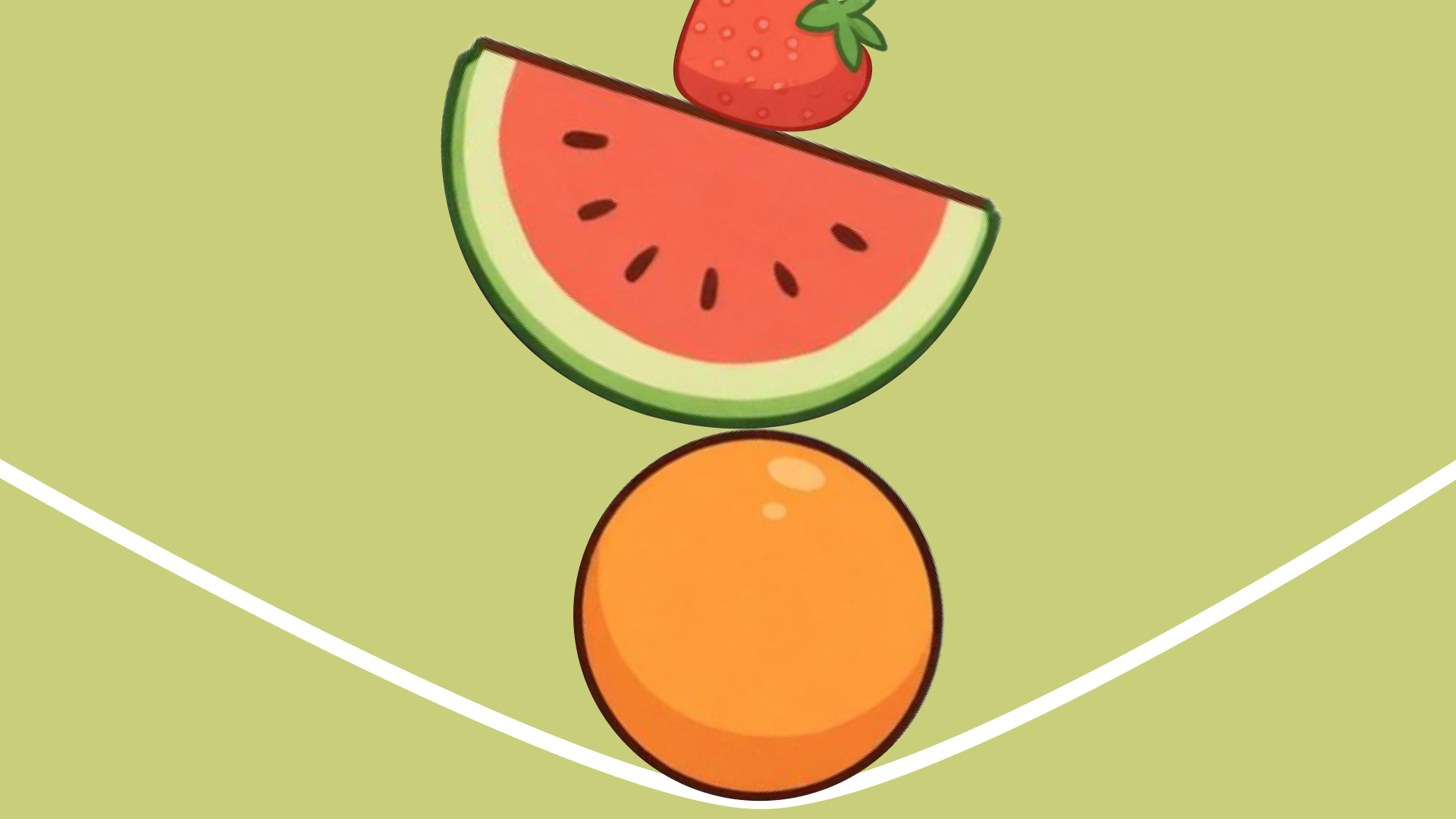
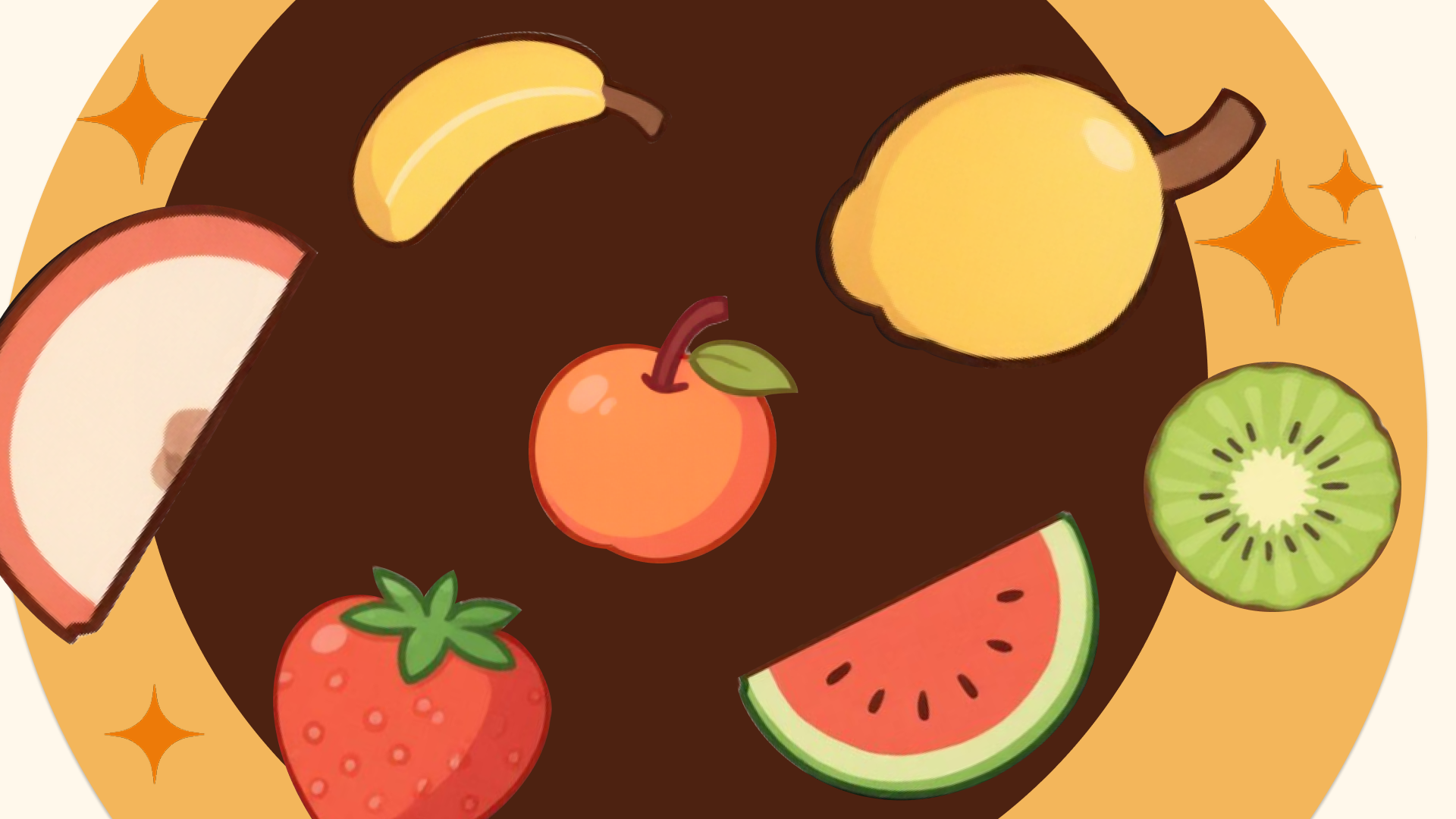
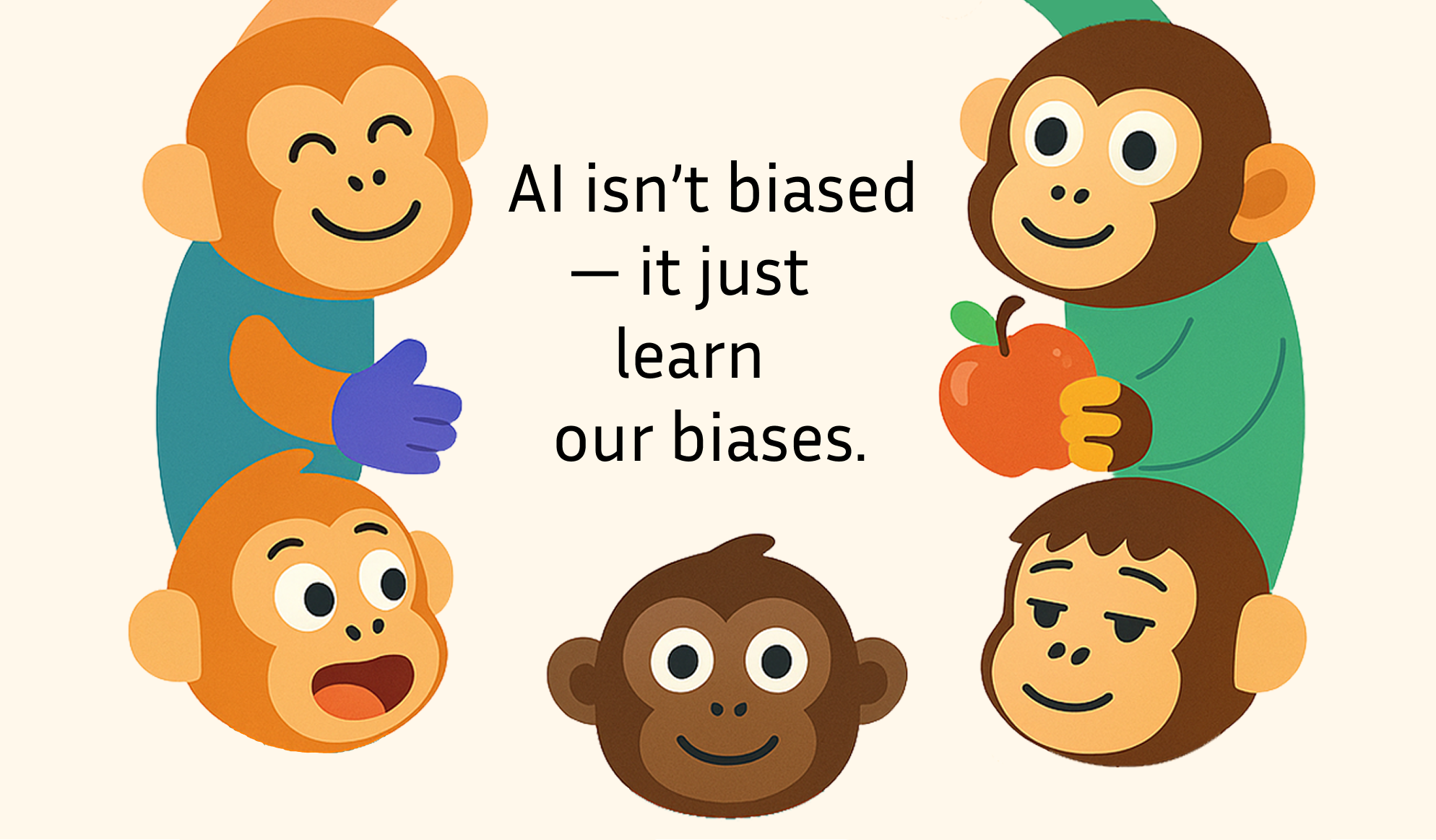
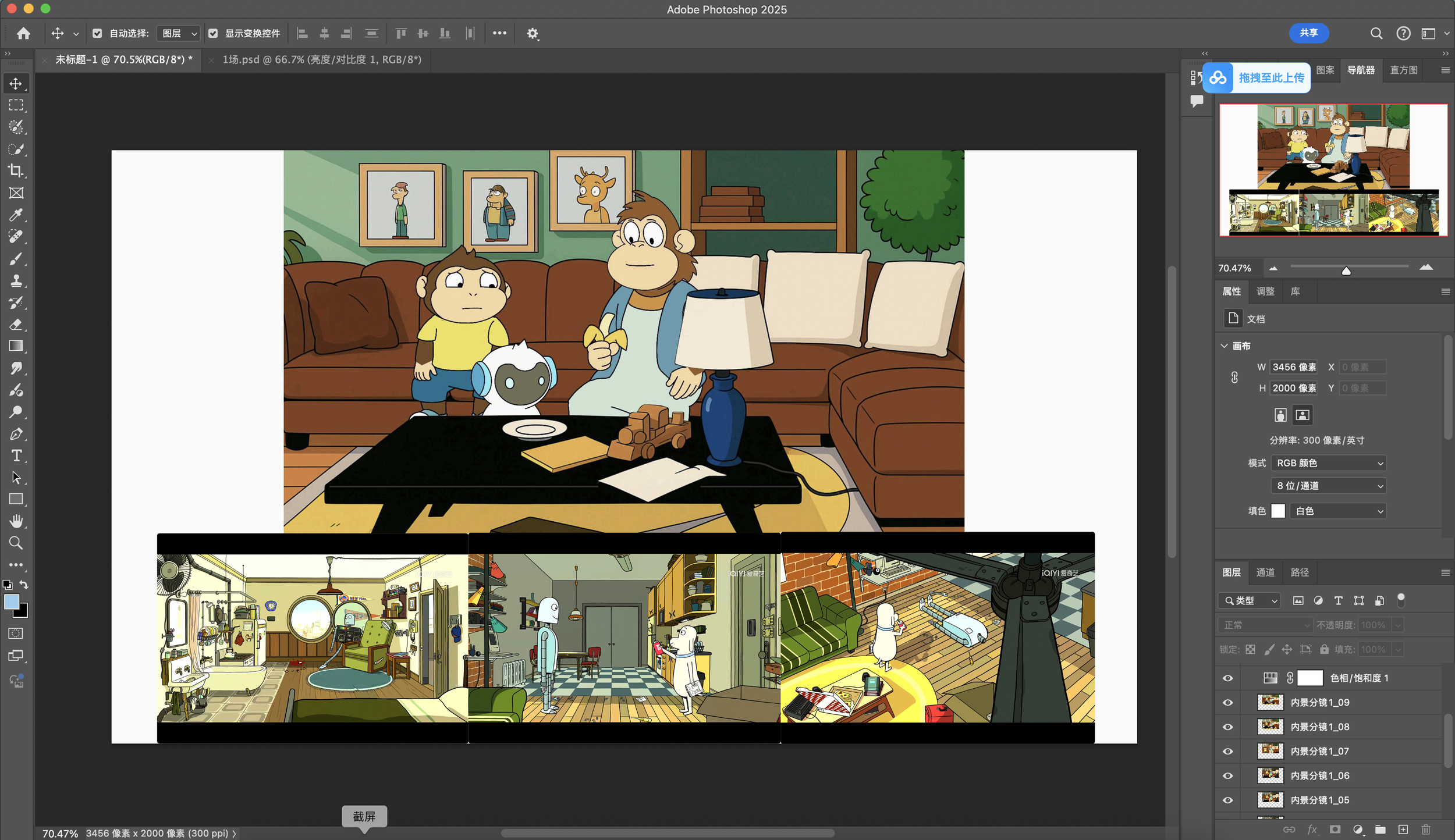
This PSA motion explains how bias can appear in AI systems through a simple metaphor. Nea, a curious learning monkey, studies countless monkey photos from social media. Because most of the images show monkeys eating bananas, Nea concludes that bananas are the only food monkeys eat. By following patterns in the data, Nea overlooks other possibilities—like apples. Through this playful story, the film shows that AI does not create bias on its own; it simply learns patterns from the data we provide.
storyboard
Workflow
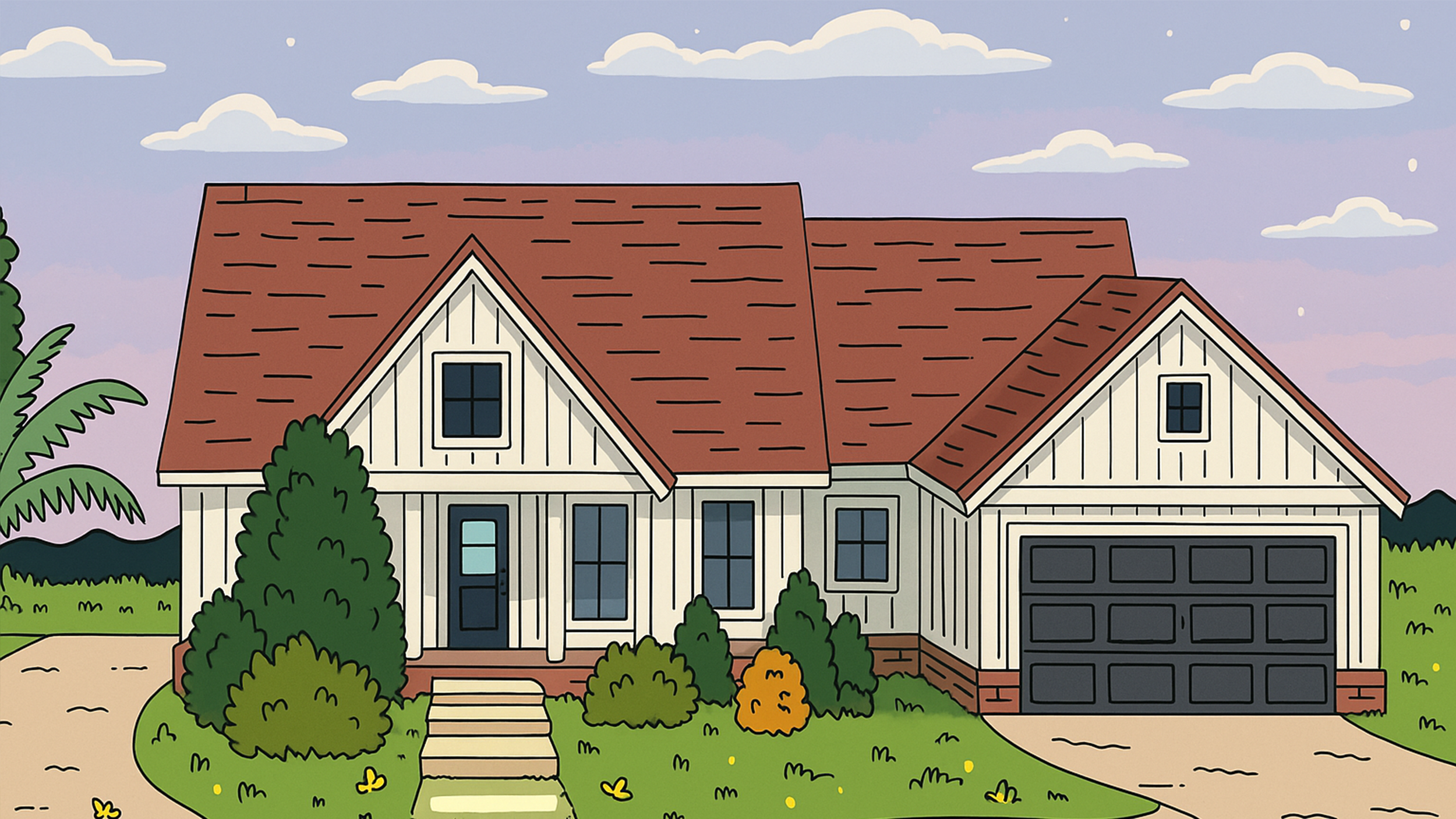
The storyboard was reorganized and visually structured using Figma with the help of ChatGPT to refine the narrative and layout.
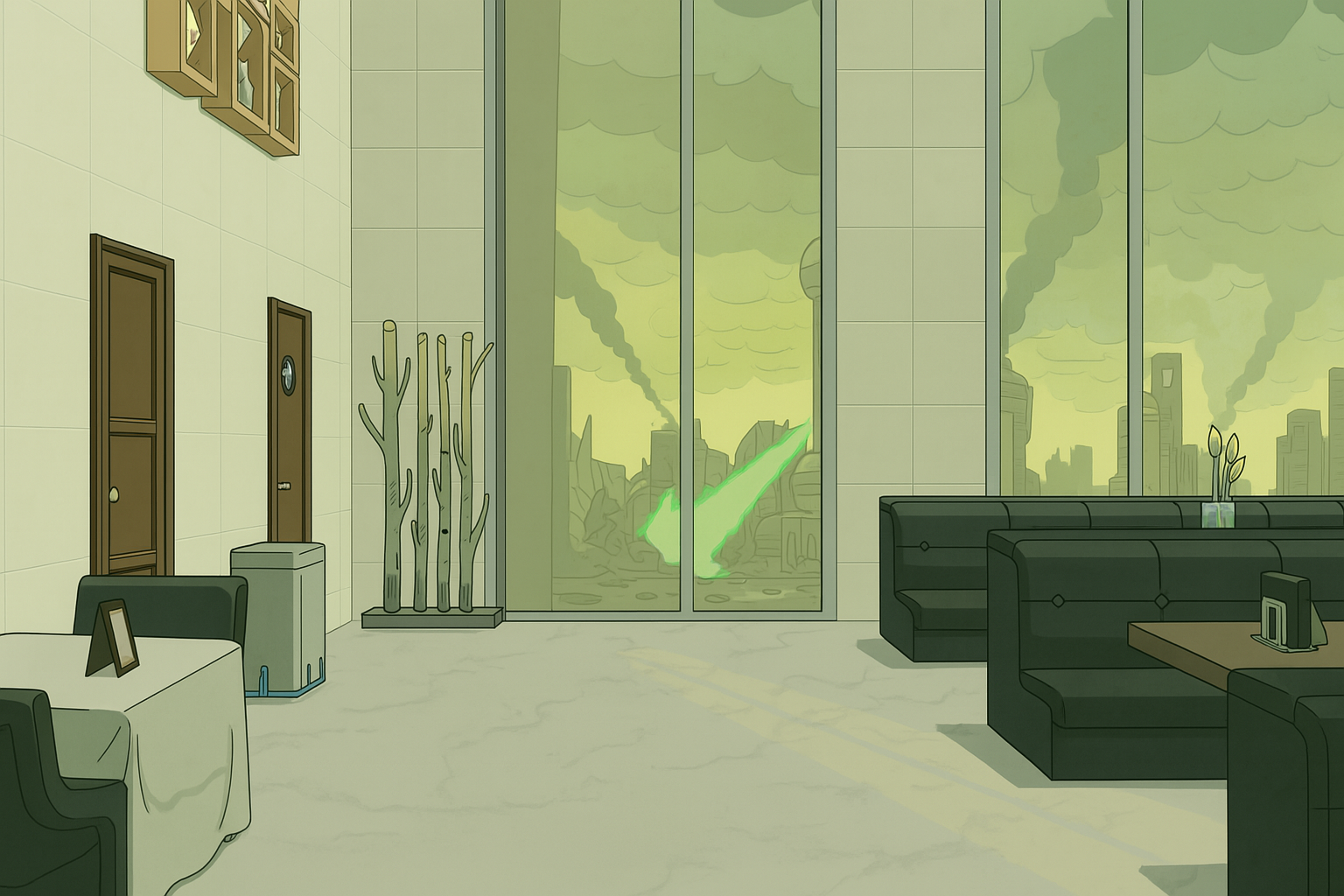
Then, visual scenes were generated and animated using Gemini and Jimeng to produce the final motion sequence.
Ai pipline

5-10 year
children target
gemini
and chatgpt